
Here’s a number that should bother you: the average attorney still spends close to two hours a day on tasks a document assembly tool or a halfway decent practice management system could cut in half. That gap between what’s available and what firms actually use is the real story behind legal technology trends this year.
This isn’t about chasing shiny AI demos. It’s about billing realization, utilization rates, and whether your associates are drowning in admin work instead of client work.
Where Firms Are Actually Spending Their Tech Budget
Most small and mid-size firms aren’t buying moonshot software. They’re patching holes in three places: intake, document drafting, and billing capture.
A five-attorney firm with a sizable monthly software budget typically splits it something like this: practice management (Clio or MyCase), a document automation layer, and some flavor of AI drafting assistant bolted on top. That’s not glamorous. It’s plumbing.
The firms seeing the best return aren’t the ones with the biggest budgets. They’re the ones who picked two or three tools and actually integrated them, instead of running six disconnected logins that nobody opens past week one. Clio publishes an annual Legal Trends Report that’s worth reading precisely because it tracks utilization and realization data across thousands of firms, not just software adoption claims.
If you’re deciding where next year’s budget goes, start with whatever process bleeds the most billable hours into unbilled admin work. For most firms that’s intake and time entry, not document review.
Five Legal Technology Trends Reshaping Firm Operations
These are the shifts worth building a 2026 budget around, in rough order of impact on a typical small firm’s bottom line.
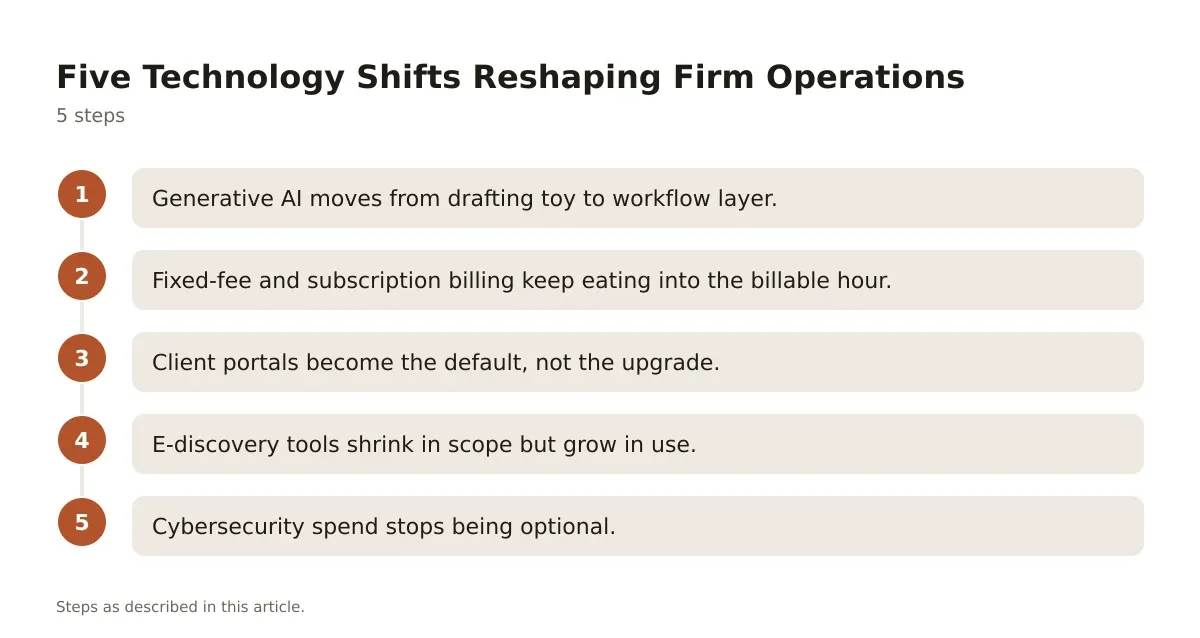
- Generative AI moves from drafting toy to workflow layer. Tools like Harvey and CoCounsel (now part of Thomson Reuters) are being used less for first-draft memos and more for contract review triage and deposition summary work, where the time savings are measurable in hours per matter.
- Fixed-fee and subscription billing keep eating into the billable hour. Clients are pushing back harder on $450/hour rates for routine work, and practice management platforms now build flat-fee and subscription billing directly into their invoicing modules.
- Client portals become the default, not the upgrade. Secure portals inside tools like MyCase or Smokeball cut down on phone tag and email chains, which matters because unreturned client calls are still a top driver of bar complaints.
- E-discovery tools shrink in scope but grow in use. Smaller firms are adopting lightweight e-discovery add-ons for matters that used to get outsourced entirely, because volume thresholds that once required Relativity now run fine on cheaper cloud tools.
- Cybersecurity spend stops being optional. Cyber insurance underwriters increasingly require multi-factor authentication and encrypted file sharing before they’ll even quote a policy, which is dragging firms into compliance whether they wanted to budget for it or not.
None of these trends exist in isolation. A firm adopting AI drafting tools without fixing its billing workflow just gets faster at producing unbilled work.
Practice Management Platforms Compared
Picking a law practice management system is still the single highest-use software decision a small firm makes. Here’s how the major players actually stack up, based on published feature sets and pricing pages rather than marketing copy.
| Platform | Starting Price | Billing Features | Best Fit |
|---|---|---|---|
| Clio | Paid tiers starting around $39/user/month | Strong time tracking, LEDES billing, trust accounting | Firms wanting the broadest integration ecosystem |
| MyCase | Paid tiers, mid-range monthly per-user pricing | Flat-fee and hourly billing, built-in client payments | Solo and small firms wanting an all-in-one with less setup |
| Smokeball | Quote-based pricing | Automatic time capture from document activity | Firms heavy on document-driven work, like real estate or estate planning |
| PracticePanther | Paid tiers, lower entry price point | Simple invoicing, payment plans | Budget-conscious solos wanting core features without extras |
The feature that actually separates these products isn’t the dashboard, it’s billing capture. Smokeball’s automatic time tracking from document and email activity consistently catches minutes that manual timers miss, which directly affects realization rate. Clio’s trust accounting module is more mature for firms juggling IOLTA compliance across multiple states.
Don’t pick based on the demo. Pick based on whether your staff will actually log time inside it, because the fanciest reporting dashboard is worthless if nobody enters billable minutes.
Where AI Drafting Tools Fit Into a Real Workflow
AI drafting tools don’t replace associates. They replace the first thirty minutes of staring at a blank page.
A litigation boutique handling discovery disputes might use an AI tool to generate a first-pass motion to compel, then have a senior associate redline it against local rules. That’s a 45-minute task instead of a two-hour task, but it still needs a lawyer’s eyes before it goes out. Firms that skip the redline step are the ones who end up with a sanctions motion over a hallucinated citation.
The honest trade-off: generative AI speeds up volume work (standard motions, routine contracts, NDA review) and does almost nothing for genuinely novel legal arguments. If your practice is mostly bespoke appellate briefing, don’t expect AI tools to move your utilization numbers much.
Pricing for these tools runs the gamut from quote-based enterprise contracts to monthly per-seat subscriptions bundled into existing practice management suites. Before signing anything, ask the vendor for a trial period long enough to run at least ten real matters through it, not a canned demo with sample data.
Budgeting for Legal Technology Trends That Actually Get Used
A technology budget that sits in a spreadsheet and never gets spent is worse than no budget at all, because it signals a plan nobody’s accountable for executing.
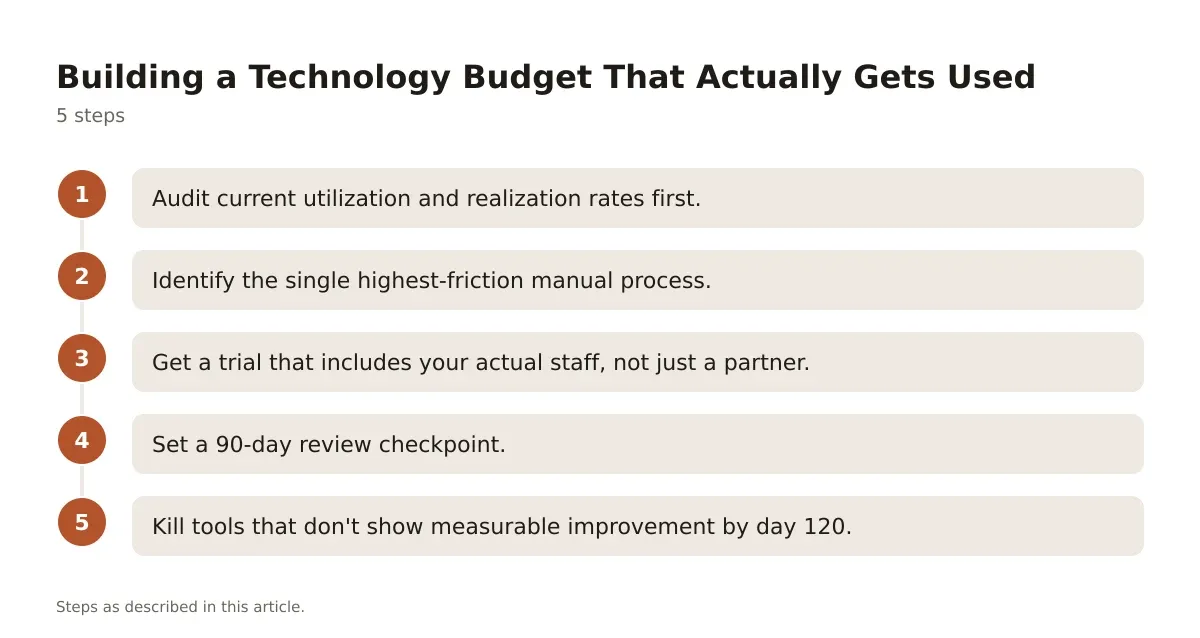
Here’s a sequence that works for firms in the $1M to $10M revenue range deciding where to put next year’s tech dollars.
- Audit current utilization and realization rates first. You can’t justify new software spend without knowing your baseline. If utilization sits below 70% across associates, the problem might be workflow, not tools.
- Identify the single highest-friction manual process. For most firms this is time entry, client intake forms, or document assembly for routine filings. Pick one, not five.
- Get a trial that includes your actual staff, not just a partner. Software adoption fails when the managing partner loves a demo but the paralegals doing daily data entry never get consulted.
- Set a 90-day review checkpoint. Track whether billable hour capture improved, not just whether people logged into the new tool.
- Kill tools that don’t show measurable improvement by day 120. Sunk cost on a modestly priced subscription isn’t worth the drag on morale when staff are juggling five logins instead of three.
Firms that follow this kind of structured rollout tend to see faster time-to-value than firms that buy software first and figure out workflow later. The order matters more than the tool.
Making Sense of the Legal Technology Trends Worth Acting On
The legal technology trends generating the most noise right now, generative AI, flexible billing, cybersecurity mandates, aren’t optional extras anymore. They’re becoming baseline expectations from clients and, increasingly, from malpractice insurers.
But adoption without workflow discipline just moves inefficiency from one system to another. The firms actually improving realization and utilization numbers are the ones treating software selection as an operations problem, not a shopping trip.
If you’re planning next year’s stack, start smaller than you think you need to. Fix intake and billing capture before you chase AI drafting tools, because a faster first draft doesn’t help if the resulting hours never get billed correctly in the first place.
Common Questions From Partners Weighing New Tools
Partners asking about legal tech trends tend to circle the same handful of worries. Here’s how those usually get resolved in practice.
Will this replace billable hours we currently charge for?
Yes, for routine drafting and document review, which is exactly why fixed-fee billing models are gaining ground alongside AI adoption. Clients notice when a contract review that used to take six hours now takes two, and they expect that reflected in the invoice.
How do we vet AI tools for confidentiality risk?
Check whether the vendor trains its models on your firm’s data by default, and whether there’s an enterprise agreement with data isolation. CoCounsel and Harvey both offer enterprise contracts specifically addressing this because large firm GCs demanded it before signing.
What’s the realistic adoption curve for associates?
Expect resistance for the first sixty to ninety days, then a drop-off in usage once novelty wears off unless a partner mandates it for specific workflows. Tools that get built into the required intake or drafting process survive. Optional tools get abandoned.